
SocketCAN
Native SocketCAN connects to a Linux CAN interface, including Raspberry Pi CAN hardware. Configure the operating system, controller and interface before using it in RayNmeaSimulator.
Check before opening the application
- Confirm the intended CAN interface exists and is healthy at the required NMEA2000 bitrate, normally 250000 bit/s.
- Confirm the correct driver/overlay, oscillator/interrupt configuration, physical wiring, termination and power for the actual hardware.
- Provide the ip utility from iproute2 on PATH. The application uses read-only interface inspection; it does not install packages or change bitrate/link state.
- If BUS-OFF or hardware errors occur, stop the bench operation and investigate the physical/configuration cause. Do not repeatedly reset a live vessel bus from this UI.
Select Native SocketCAN
- Stop Sending and open Setup → NMEA2000 → SocketCan on Linux.
- Enter the intended interface name, such as your configured can0, and persistent unique device number.
- Save and inspect initialization/readiness feedback.
- Receive supported data or separately authorize the intended output/service operation.
A ready software core does not prove address arbitration has settled, a receiving device is present or a particular PGN is displayed. Normal protocol servicing remains active in Viewer; this is not electrically silent listen-only capture.
Respect terminal stop behavior
After a transmission attempt or an authorized service request, Stop/F12 can close the native session for the remainder of the application run. Entering Viewer after transmission can also close it. If the status says a restart is required, restart RayNmeaSimulator before receiving or sending again.
Already queued OS frames cannot be recalled. Settings reload also stops application output. Preserve this safety policy when planning repeated tests.
For chartplotter retrieval, confirm that the target supports the requested route service and follow Selecting Chartplotter Routes.
Illustrated controls
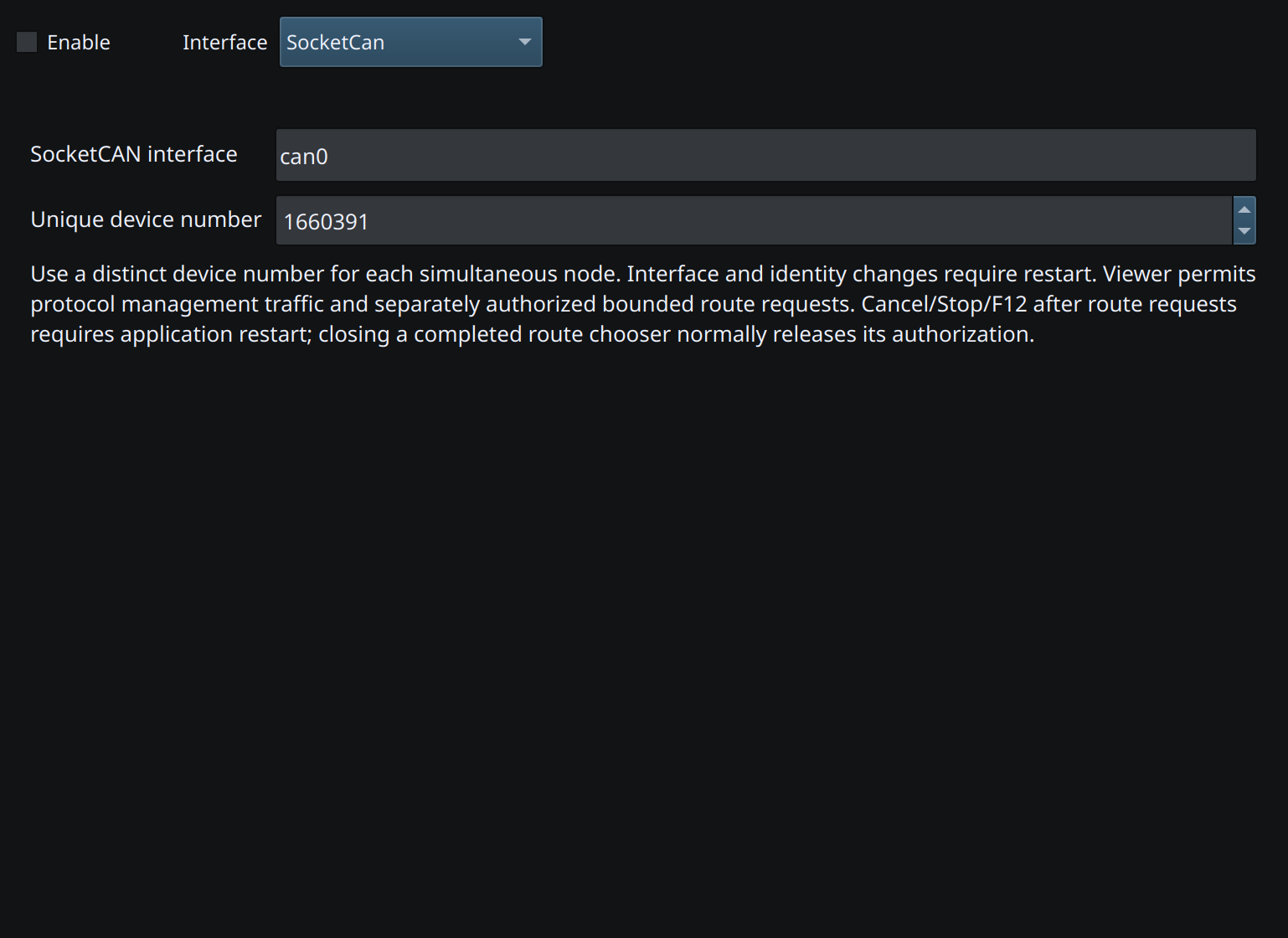
Figure 67. Select SocketCan and enter the name of the configured Linux CAN interface. Click to enlarge.
Related topics
NMEA2000 Overview · NMEA0183 Overview · Network NMEA2000 · CANable SLCAN · Waveshare USB-CAN-A · Actisense NGT-1 · Signal K · Device Discovery and Diagnostics · Connection Troubleshooting · Enable, Dispatch and Sending · Route Overview · Engineering Units